Bounces, Tracking, and List Cleanup in Replifier
By Equipo de Replifier · ·Email
The business problem
A business with a list of several thousand contacts notices its recent campaigns show unusually high open rates, but the sales results do not reflect them. At the same time, some contacts report not receiving emails that the system shows as sent. The team also suspects it has addresses that have been on the list for years and are no longer valid — but it does not know which ones or how many.
These three symptoms point to the same place: the list needs attention. The problem is knowing exactly what is happening with each send, and what to do about the problematic contacts.
How Replifier solves it
Replifier records events from two sources for every email sent. Interaction events are generated by Replifier’s own tracker: opened, clicked, unsubscribed, resubscribed. Provider events are reported by Amazon SES: delivered, bounced (with subtype hard or soft), and complained.
These events form the individual history of each send. With them you can see exactly what happened with each recipient, in what order, and why.
Replifier also acts automatically: addresses with a hard bounce are suppressed immediately. Addresses that accumulate three soft bounces within 30 days are treated as a hard bounce. Complaints also suppress immediately. You do not need to do anything for this to happen — but you can review it and act on it.
Step by step
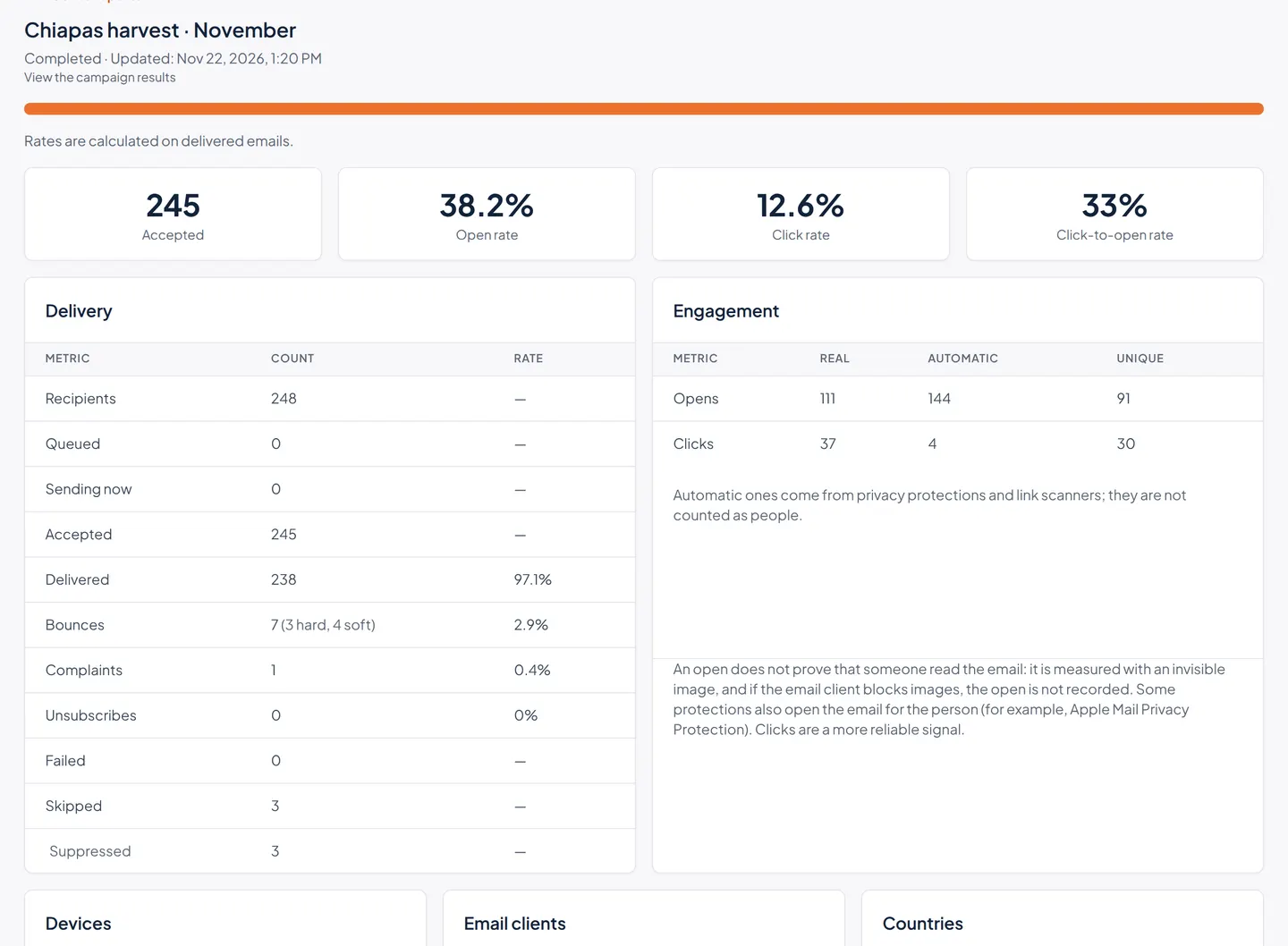
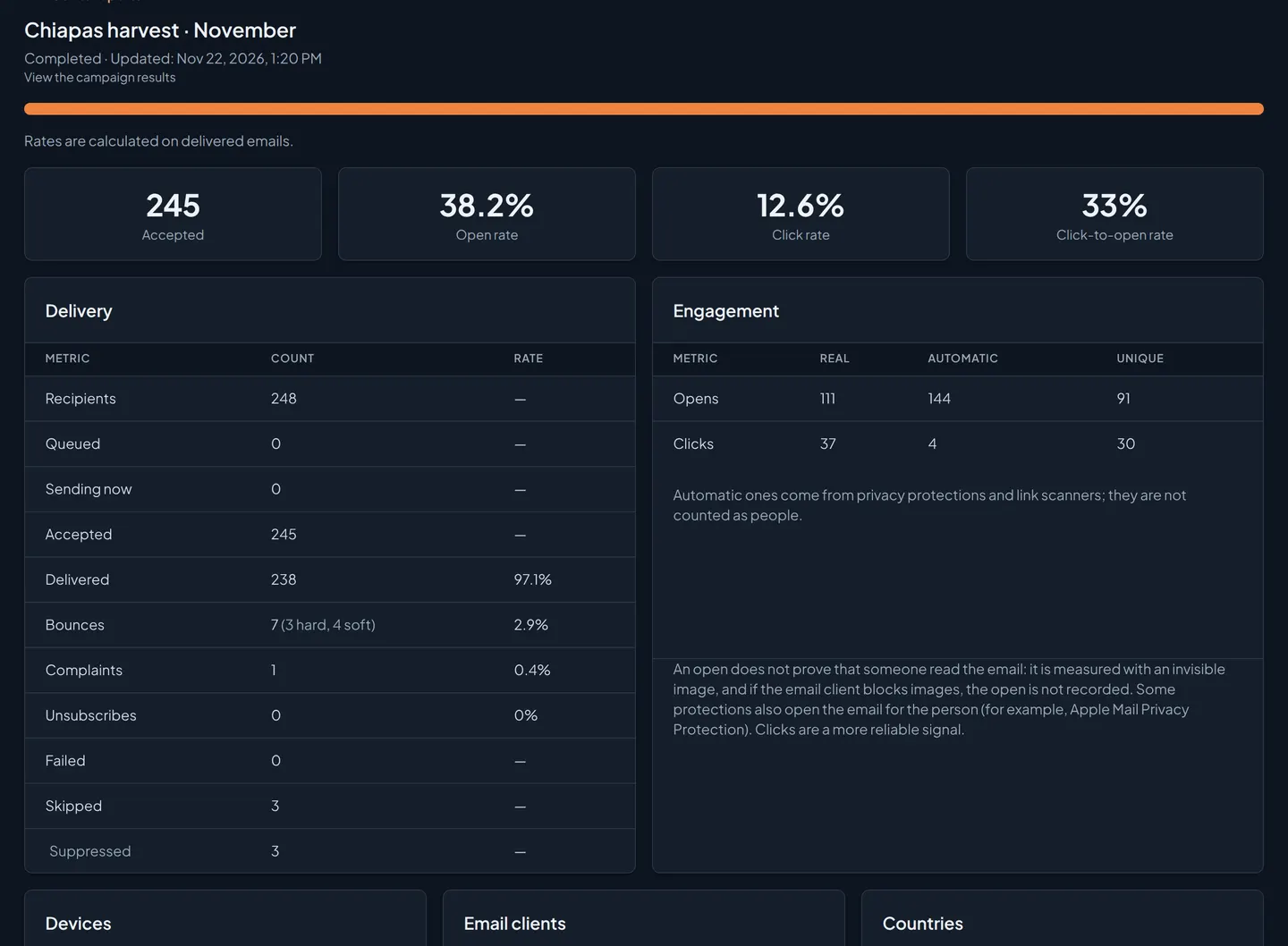
- Open the report for your last campaign. Check the bounce rate. If it exceeds 2%, the list has a hygiene problem.
-
Look at the opens column. Replifier distinguishes between real opens and automatic opens: corporate security scanners and email clients that prefetch tracking images are marked as
machine: truewith reasonscanner. Those events are saved but not counted in statistics. If your open rate seems inflated, your list likely has many corporate addresses. -
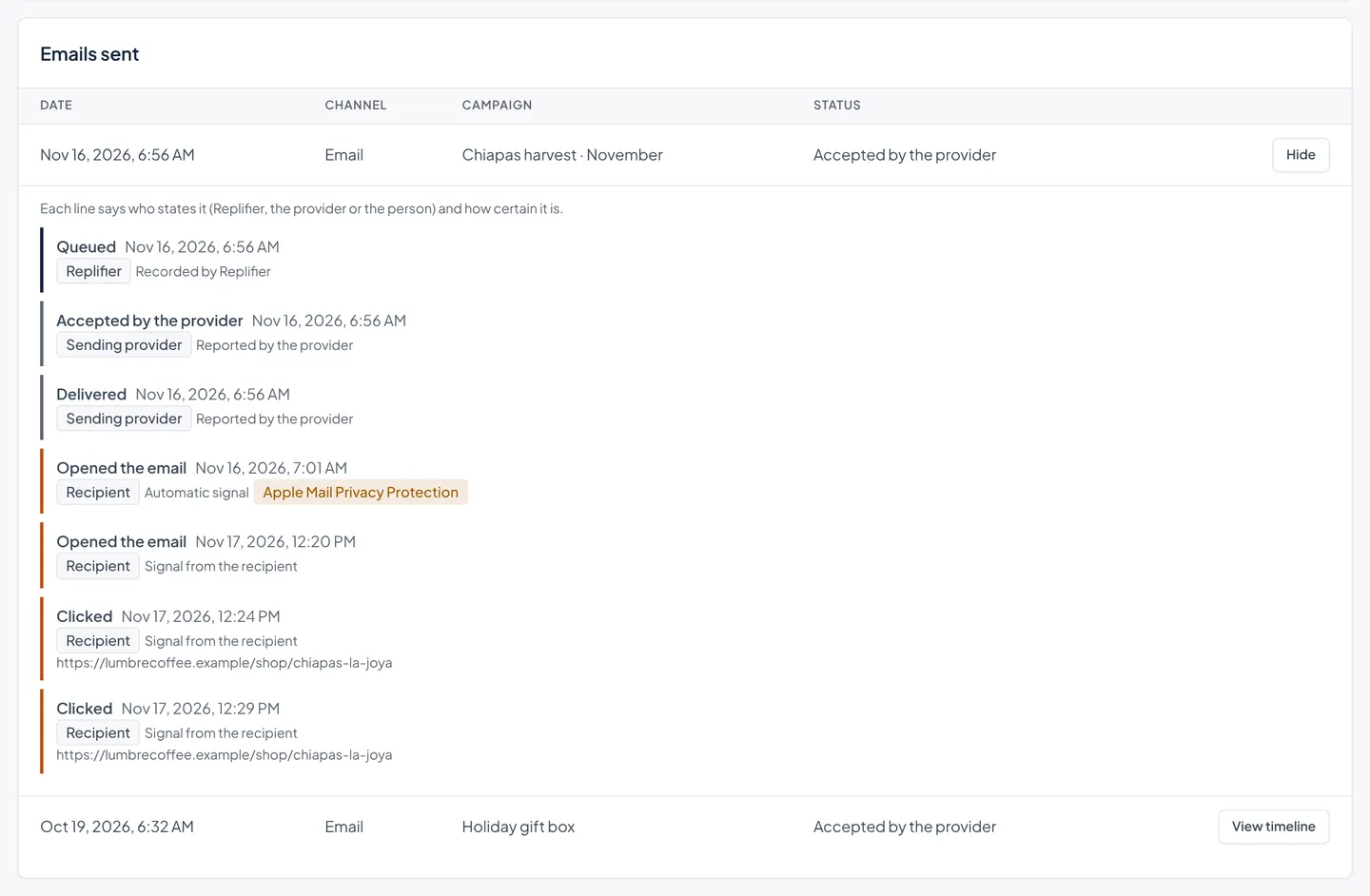
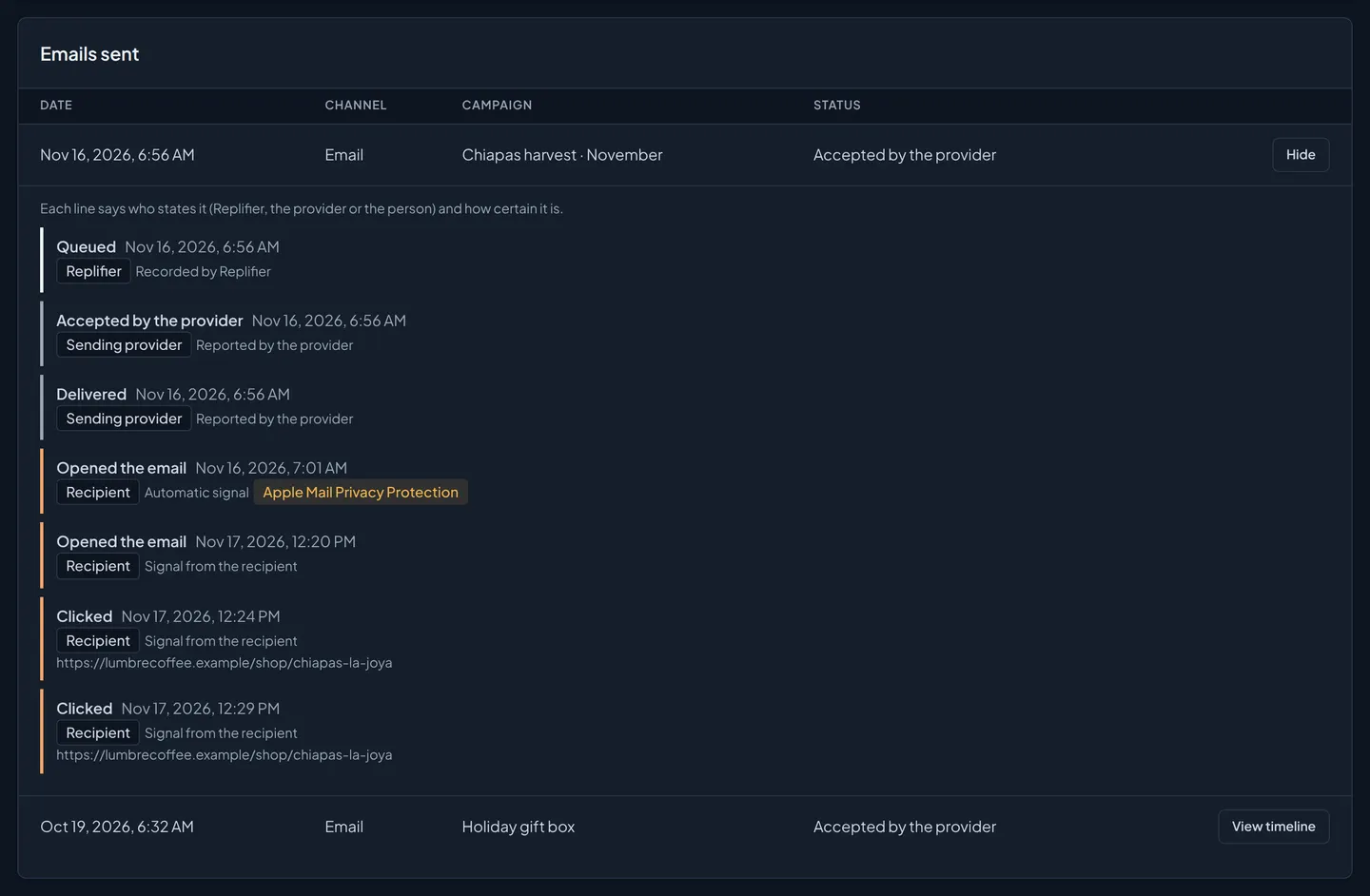
To investigate a specific contact who says they are not receiving your emails, find their address in the send history. The timeline shows all events in chronological order.
- To check whether an address is suppressed and why, use the suppression search endpoint:
curl -X POST "https://api.replifier.com/v1/brands/brd_your_brand/suppressions:search" \
  -H "Authorization: Bearer <your_api_key>" \
  -H "Content-Type: application/json" \
  -d '{"email": "contact@example.com"}'
The response lists all active suppressions. Each has a reason field: unsubscribe, hard_bounce, complaint, manual, or blocked_domain. The contact’s effective status reflects the strongest cause: complained > bounced > unsubscribed > manual.
- To view all suppressions for your brand and export them for analysis, use the paginated listing:
curl "https://api.replifier.com/v1/brands/brd_your_brand/suppressions" \
  -H "Authorization: Bearer <your_api_key>"
Use the cursor from each response to fetch the next page.
- If you have an address that should not receive emails — for example, a complaint that arrived through another channel — you can suppress it manually:
curl -X POST "https://api.replifier.com/v1/brands/brd_your_brand/suppressions" \
  -H "Authorization: Bearer <your_api_key>" \
  -H "Content-Type: application/json" \
-d '{"email": "user@example.com"}'- If you want to reactivate an address you suppressed manually, you can delete that suppression by its ID. Only
manualsuppressions can be deleted through the API. Hard bounces, complaints, and unsubscribes are permanent by design — they protect your sender reputation.
What you should see when done
- You can search any address and see all its active suppressions with their cause.
- Your list has no addresses with active known hard bounces.
- Recent complaints are suppressed and will not receive future campaigns.
- The report on your next campaign shows a bounce rate below 2%.
Common issues
- High hard bounce rate: the list is old or was acquired. Hard bounces damage accumulated sender reputation. Clean the list before the next campaign.
- A contact says they never unsubscribed but is not receiving emails: search their address in suppressions. There may be an accumulated soft bounce, a complaint, or a blocked-domain suppression you did not create.
- You cannot delete a suppression: only
manualsuppressions can be deleted through the API. Bounces and complaints are permanent by design. - A contact’s unsubscribe is not removed when you reactivate them: a resubscribe only reverses the matching unsubscribe by scope. A list-level resubscribe does not touch a brand-level unsubscribe, and vice versa.